
Your bookmarks, finally useful.
Import bookmarks from Twitter/X or Raindrop. SaveThat analyses the content and lets you search by meaning, ask questions, and surface patterns across what you saved.
Import
Connect your sources in one click.
Connect your Twitter/X or Raindrop.io bookmarks. SaveThat pulls in collections and tags, keeps your library synced, and you can run a manual sync anytime to pull new saves in without waiting.
- Twitter/X bookmarks: everything you've saved, imported
- Raindrop.io with collections and tags preserved
- Auto-sync in the background, plus manual sync on demand
- No CSV exports, no copy-pasting URLs one by one
Analysis
Every bookmark, actually read.
For each bookmark we fetch the real page or file, save that full text (not just the title and URL), split it into short passages, and index it by meaning. Summaries sit on top so search and chat are grounded in what you actually saved.
- Summaries and key takeaways for every bookmark
- Full content saved in short passages and indexed by meaning, not the title alone
- YouTube transcripts, PDFs, GitHub repos and more supported
- Auto-runs for you on the background
Semantic Search
Search by what you mean, not what you remember.
Type "that article about React performance" and find it, even if those words never appear in the title.
- Search by topic, not exact keywords
- Works across summaries and full page content
- "Show me things similar to this" discovery
- Actually useful when you half-remember something
Chat Agent
Ask your library anything.
Ask something like "what have I saved about pricing strategy?" SaveThat searches your bookmarks, pulls the relevant bits, and shows you exactly where it got the answer.
- Ask questions across everything you've saved
- Answers come with links to the actual bookmarks
- Can find specific passages, not just titles
- Smarter answers on paid plans
API & CLI
Build your own integrations on top.
Ship integrations and automations with the SaveThat Relay API. Query your library, push bookmarks, and build custom workflows from any tool or platform.
- REST API + CLI for bookmark management and search
- Programmatic access to AI summaries and transcripts
- Build custom workflows, integrations, and automations
- Key-based auth, simple and secure
Knowledge Graph
Coming soonSee the shape of what you've saved.
Your bookmarks clustered by topic on a visual map. Spot patterns, find connections between things you saved months apart, see what you actually care about.
- Bookmarks grouped into topic clusters automatically
- Find unexpected connections across your library
- See your interests mapped out visually
- A quick way to rediscover forgotten saves

FAQ
Common questions
What sources can I connect?
Twitter/X bookmarks and Raindrop.io. You can connect one or both during setup. Pick whichever you use.
What does SaveThat access for each source?
For X (Twitter), we only request access to your bookmarks folder: not posting, DMs, or the rest of your account. For Raindrop.io, it's the same: bookmarks only. We don't ask for anything else.
What counts as an analysis?
Each bookmark SaveThat processes counts as one analysis. Importing your bookmarks is free and doesn't use any credits.
What happens if I run out of analyses but still have bookmarks?
Nothing disappears. Your bookmarks stay in Twitter/Raindrop and in SaveThat. You can still browse your library and search by title, URL, and tags. AI-powered features (like meaning-based search and processing new bookmarks) need available analyses. On Pro and Max, your monthly allowance renews; on the free trial, upgrade when you're ready for more.
How does the free trial work?
You get ten analyses to try SaveThat end to end. Import is free. Sign up with no credit card, connect a source, and spend your analyses on the bookmarks you want SaveThat to understand first. Upgrade only when you want a higher monthly allowance.
Do new bookmarks sync automatically?
Yes, while your source stays connected. If you want something you just saved right away, you can trigger a manual sync instead of waiting for the next run.
Can I search without analysis?
You can always search by title, URL, and tags. The "find it by meaning" search needs SaveThat to process your bookmarks first. That's what the analysis credits are for.
How does SaveThat search inside long articles or videos?
Long saves are not treated as one giant blob. SaveThat works through the text in smaller sections so meaning-based search and chat can match the part you actually mean, not just the overall topic. That is how answers can point to a specific passage or moment instead of vaguely waving at a whole link.
How is SaveThat different from Raindrop's Stella AI?
Stella is built to help quickly from what Raindrop already has for a link, usually the title, URL, and a bit of context. SaveThat fetches and stores the full content behind each bookmark: the article text, transcript, PDF body, and so on, not just the headline. We save that full text, split it into short passages, and build a meaning-based index so search and chat can match what you meant inside the page, not only words in the title. Paid plans add stronger models on top of that.
How does the technology work?
SaveThat uses a mix of models under the hood: fast ones for analysis, conversational ones for chat. Paid plans get stronger models for better answers.
Is my data safe?
Your bookmarks stay in Twitter/Raindrop; we don't touch them. SaveThat stores generated summaries and search data. You can delete everything from your account at any time.
Can I cancel anytime?
Yes. Cancel whenever, no questions asked.
What should I expect during beta?
SaveThat is in active development: we'll ship improvements, fix issues quickly, and occasionally adjust how things work based on what we learn. Early users get a direct line to that feedback, and it genuinely shapes what we build next.
Is there a CLI or API?
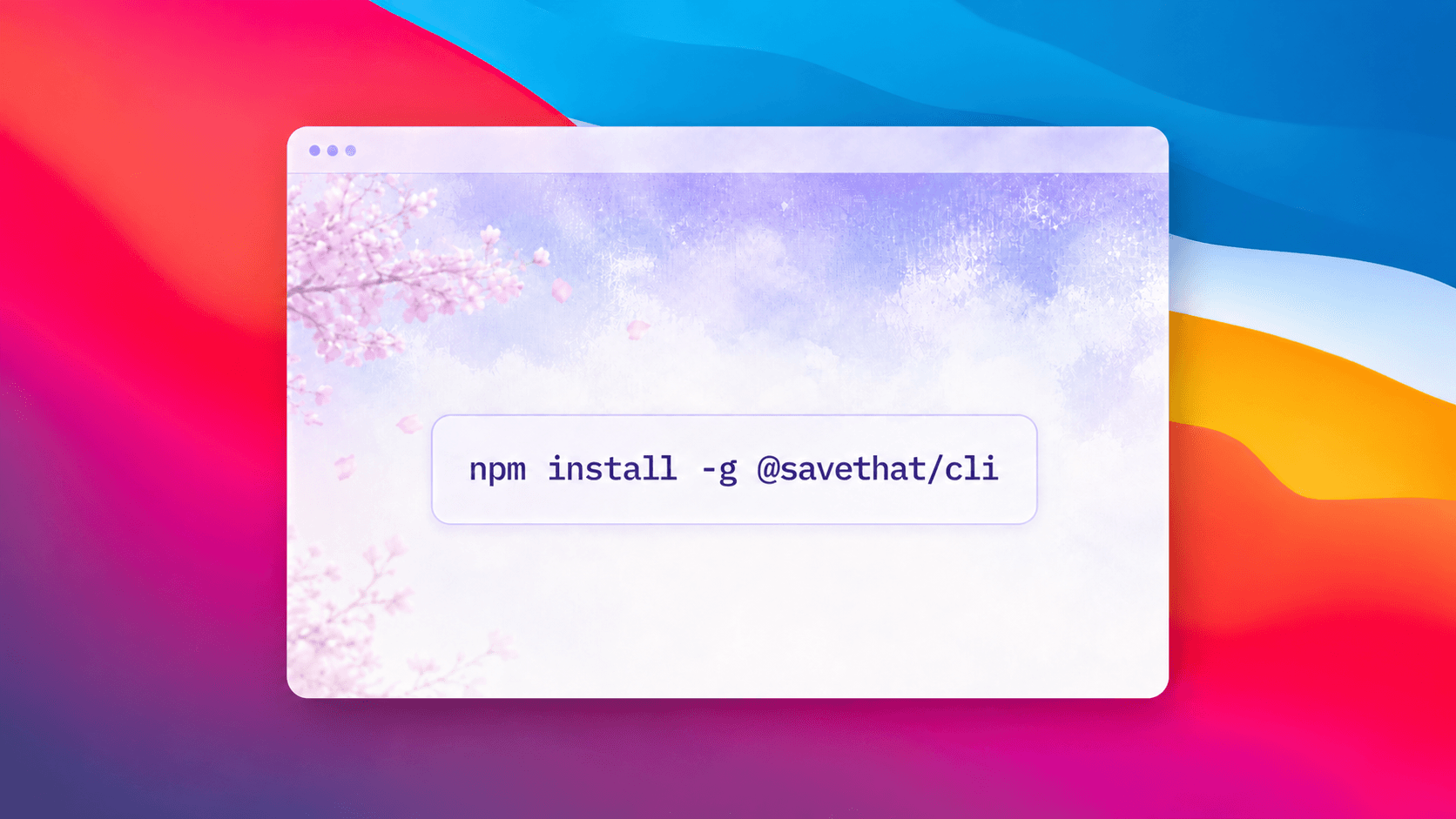
Yes. The @savethat/cli npm package gives you terminal access to your bookmark library, account info, and AI agent queries. Install with 'npm install -g @savethat/cli'. Authentication uses API keys from your account settings.
Who's behind SaveThat?
SaveThat is a solo project by Harsshavardan, a design engineer in Bangalore, India. He builds products to solve problems he actually has, and shares the ones others might find useful too. Say hi on X if you’d like to connect.
Make your bookmarks finally useful.
Try now with 10 analyses free, no credit card. So far, we have made ~100k bookmarks useful. About time you try with yours too.

